OpenToshAboutStatsNewsCollectionsFind AppsSubmit App
100%
Loading time...

Notification Center

Monday, Aug 24

HM

Message from Hamza

Author & Creator

Online

Welcome to OpenTosh! I created this platform to bring together the best of macOS retro and modern layouts for the web. Explore, search, and submit your favorite apps!

Cupertino

Partly Cloudy •

21°
H: 24°L: 14°
AQI 32Good
Sunny
StocksApple Inc. & Markets
Dow Jones
53,277▲ +1.2%
S&P 500
7,674▲ +0.8%
AAPLApple Inc.
309.35▼ -0.4%

MT Newswires

Nvidia, Fed Outlooks Dull Wall Street Bell; Asia Off, Europe Up

News FeedTech & Open Source
Swift.org

Swift updates expand to embedded & bare-metal devices

2 hours ago

GitHub Trend

Ghostty terminal developer releases major optimization build

5 hours ago

WebKit News

CSS Glassmorphism filters standard finalized in modern browsers

Yesterday

OpenTosh System Updates

  • v1.2.0: Added macOS Notification Center & widget stack
  • Fixed top Menu Bar layout and added full set of status icons
  • Launchpad search speed & keyboard responsiveness improvements
Markdownify - App Details
Back to directory

Markdownify

Markdownify

A minimal Markdown editor

Tags:#Editor#Editors#Html#Katex#Latex#Markdown editor#Markdown#Office#Pdf#Productivity#Tool#Txt#markdown#editor#markdown editor#editors#productivity#tool#office#pdf#txt#katex#latex#html
License
MIT license
Platforms
macOS
Other Platforms
WindowsLinux

Features

  • Full screen mode
  • GitHub Flavored-style Markdown
  • Split view
  • Save and export your Markdown document as PDF
  • Built-in HTML viewer.
  • Supports multiple cursors
  • Live Preview - Make changes, See changes
  • Instantly see what your Markdown documents look like in HTML as you create them.
  • Sync Scrolling between the editor and the viewer.
  • While you type, Live Preview will automatically scroll to the current location you're editing.
  • GitHub Flavored Markdown
  • Emojis support
  • Syntax highlighting
  • KaTeX Support
  • Dark/Light mode
  • Toolbar for basic Markdown formatting
  • Supports multiple cursors
  • Save the Markdown preview as PDF
  • Emoji support in preview 🎉
  • App will keep alive in tray for quick usage
  • Full screen mode with distraction free writing.
  • Cross-platform: Windows, macOS and Linux ready.
Similar Apps

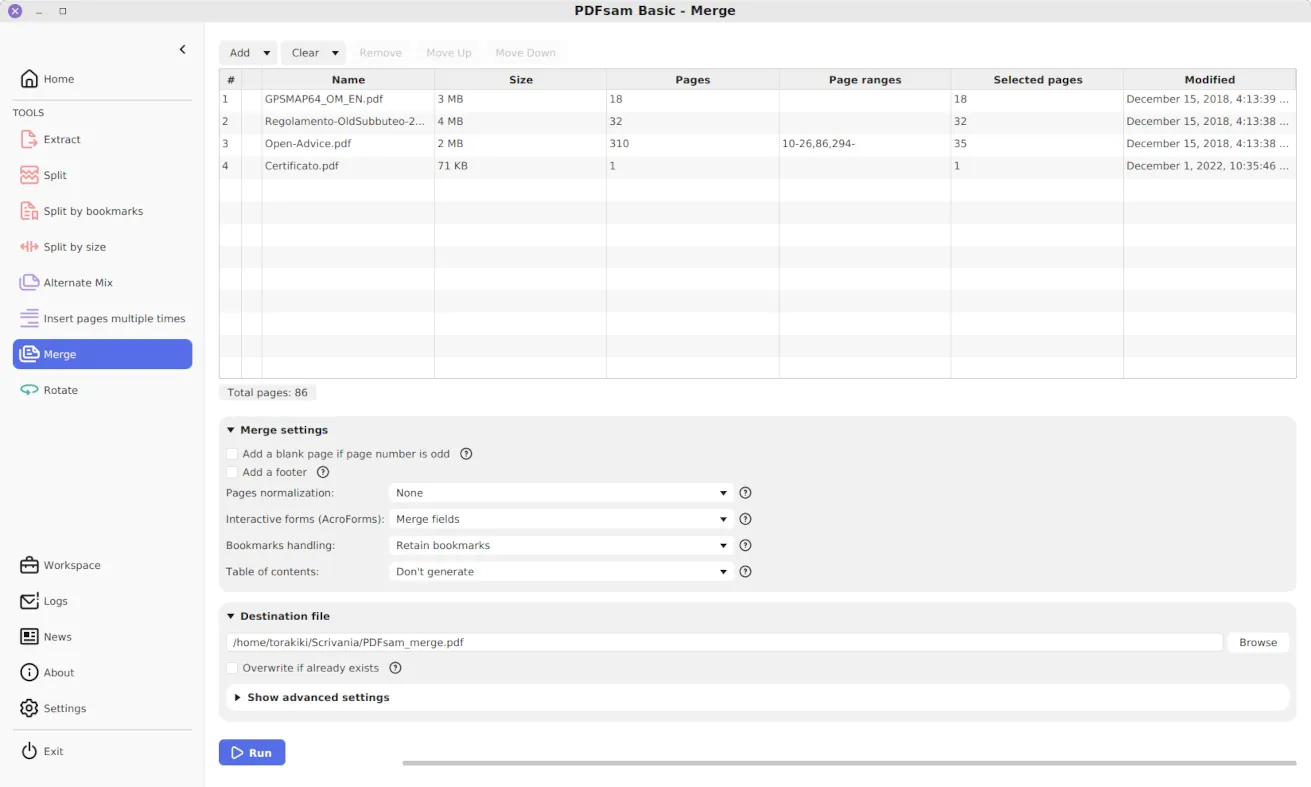
PDFsam
AGPL-3.0

PDFsam

Merge, split, rotate, convert, edit, sign PDF files... we've got you covered

7-Zip
7-Zip License

7-Zip

a file archiver with a high compression ratio.

iZip
freeware

iZip

Manage Zip and Compressed file archives ON MAC