OpenToshAboutStatsNewsCollectionsFind AppsSubmit App
100%
Loading time...

Notification Center

Monday, Aug 24

HM

Message from Hamza

Author & Creator

Online

Welcome to OpenTosh! I created this platform to bring together the best of macOS retro and modern layouts for the web. Explore, search, and submit your favorite apps!

Cupertino

Partly Cloudy •

21°
H: 24°L: 14°
AQI 32Good
Sunny
StocksApple Inc. & Markets
Dow Jones
53,277▲ +1.2%
S&P 500
7,674▲ +0.8%
AAPLApple Inc.
309.35▼ -0.4%

MT Newswires

Nvidia, Fed Outlooks Dull Wall Street Bell; Asia Off, Europe Up

News FeedTech & Open Source
Swift.org

Swift updates expand to embedded & bare-metal devices

2 hours ago

GitHub Trend

Ghostty terminal developer releases major optimization build

5 hours ago

WebKit News

CSS Glassmorphism filters standard finalized in modern browsers

Yesterday

OpenTosh System Updates

  • v1.2.0: Added macOS Notification Center & widget stack
  • Fixed top Menu Bar layout and added full set of status icons
  • Launchpad search speed & keyboard responsiveness improvements
Dangerzone (Convert Dangerous PDF files into Safe PDF files) - App Details
Back to directory
Dangerzone (Convert Dangerous PDF files into Safe PDF files)

Dangerzone (Convert Dangerous PDF files into Safe PDF files)

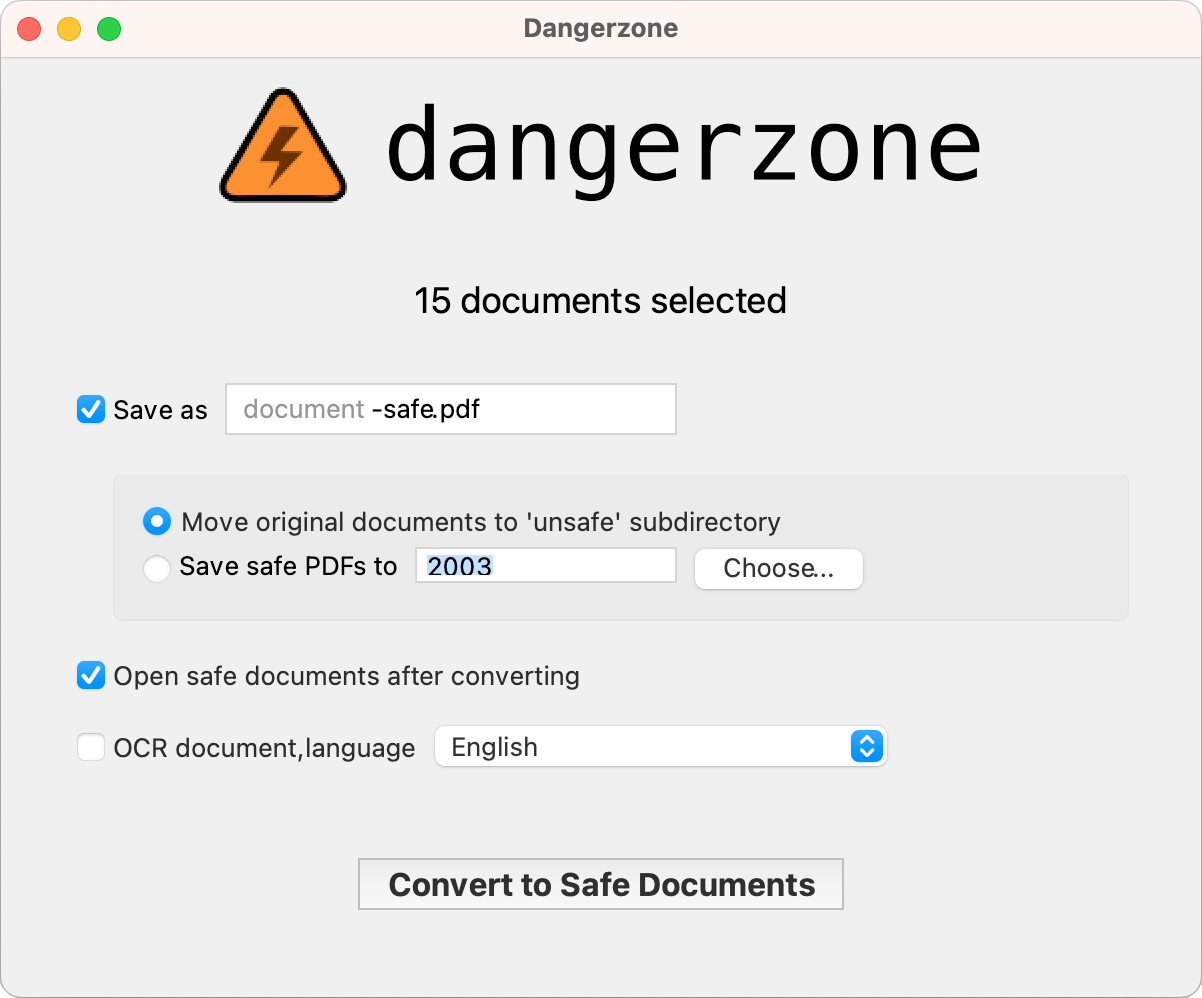
Take potentially dangerous PDFs, office documents, or images and convert them to safe PDFs.

Tags:#Files#Ocr#Pdf converter#Pdf#Privacy#Safe pdf#Security#System#Tool#Utilities#PDF#safe PDF#PDF converter#security#privacy#system#tool#utilities#OCR
License
MIT license
Platforms
macOS (Intel and Apple Silicon)
Other Platforms
WindowsLinux

Dangerzone empowers you to transform potentially harmful PDFs, office documents, and images into secure PDFs across Windows, Linux, and macOS platforms.

It boasts the ability to convert various file formats into PDF, including but not limited to MS Docs, Excel files, PowerPoint files, Open Document Format files for documents (Text: ODT), ODS, ODG, and ODP. Additionally, it allows you to effortlessly convert images into PDF files.

What does Dangerzone do?

Sandboxes don't have network access, so if a malicious document can compromise one, it can't phone home

Dangerzone can optionally OCR the safe PDFs it creates, so it will have a text layer again

Dangerzone compresses the safe PDF to reduce file size

After converting, Dangerzone lets you open the safe PDF in the PDF viewer of your choice, which allows you to open PDFs and office docs in Dangerzone by default, so you never accidentally open a dangerous document

Similar Apps

7-Zip
7-Zip License

7-Zip

a file archiver with a high compression ratio.

iZip
freeware

iZip

Manage Zip and Compressed file archives ON MAC

Archive Mounter
NOT-LISTED

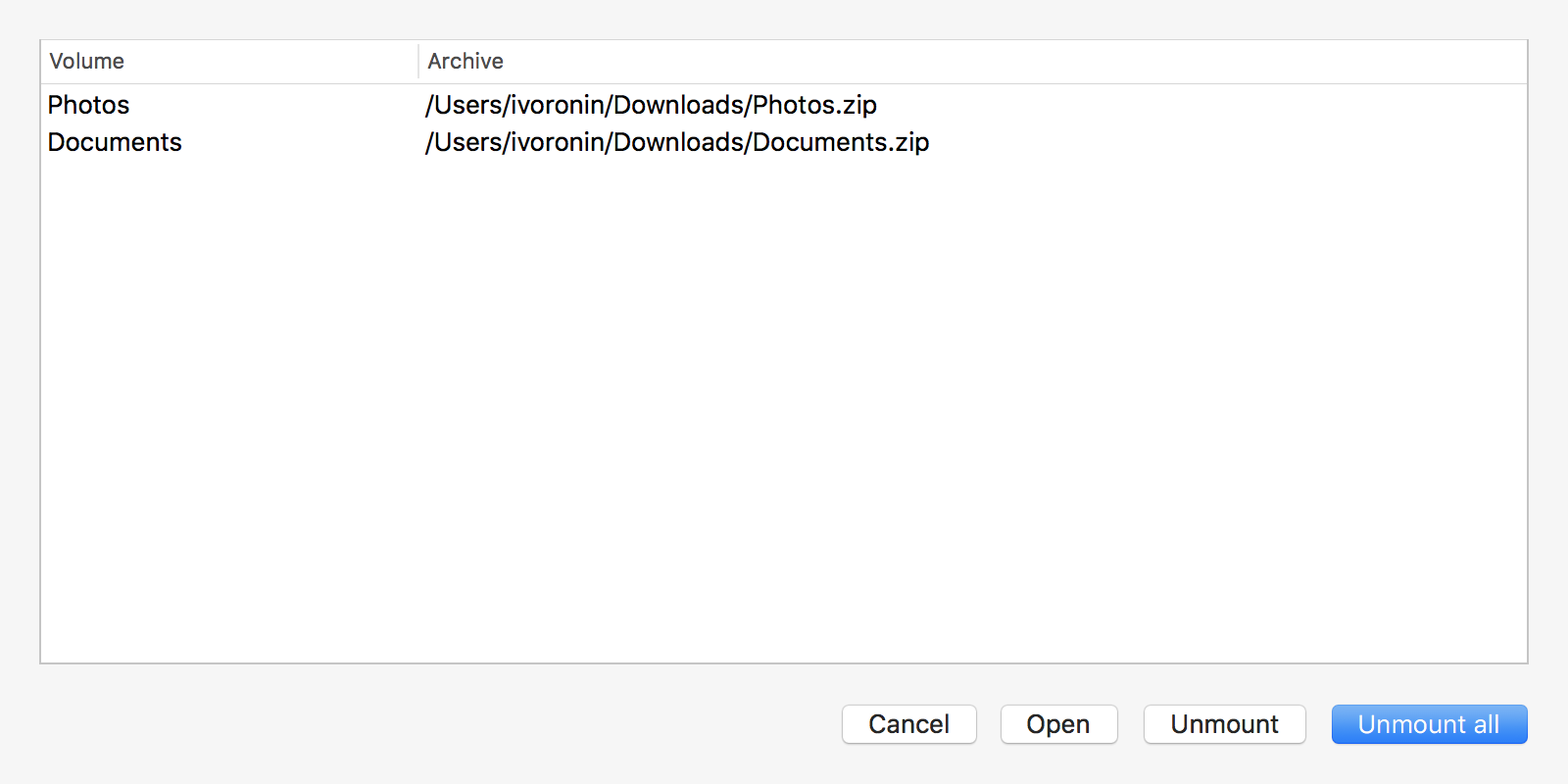
Archive Mounter

Mounts archives like disk images (macOS)