Pomosh - App Details
Back to directory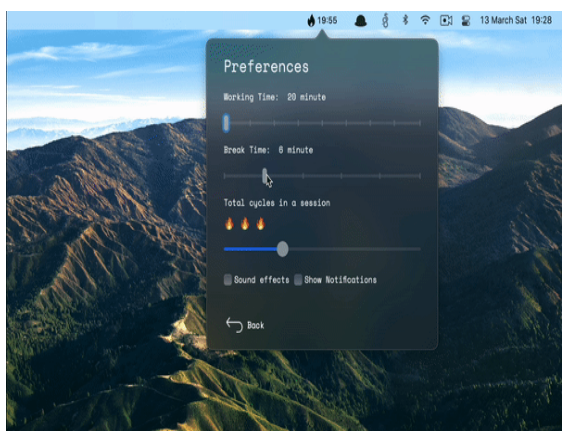
 LGPL
LGPL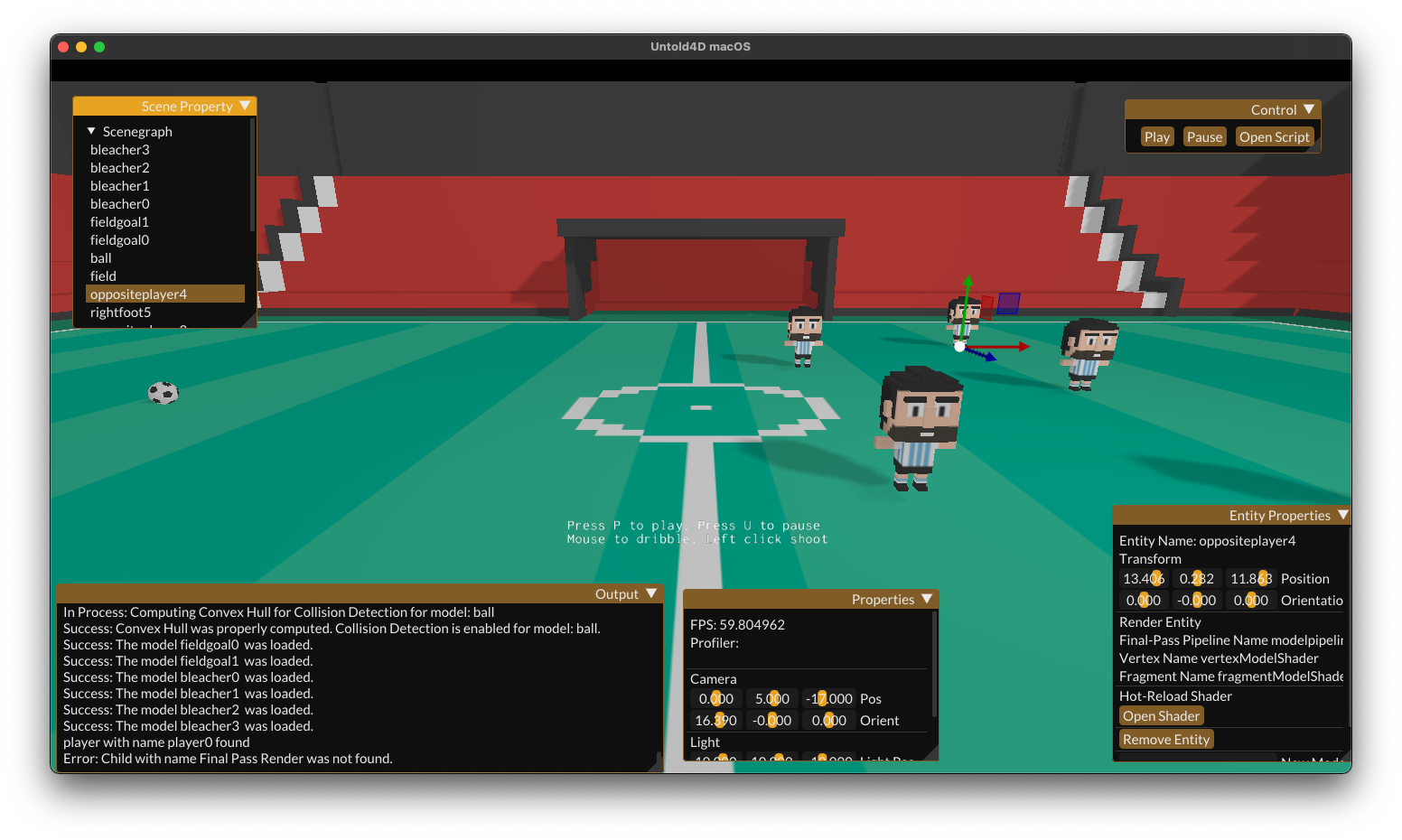 LGPL-2.1 license
Pomosh
Native Pomodoro Assistant App for macOS
Tags:#Development#Pomodoro#Productivity#Programming#Project management#Tasks#Timer#productivity#tasks#project management#pomodoro#development#programming#timer
License
MIT license
Platforms
macOS (Intel and Apple Silicon)
Other Platforms
None
🍅Pomosh is your next awesome Pomodoro Technique assistant on macOS. Lives right in your menubar. It's native and lightweight. Uses SwiftUI. has a nice tomato icon and also ready for 📱iOS and ⌚️ WatchOS 🙌 For download proceed with App Store link🔥
Features
- Timer: Helps you to follow Pomodoro Technique practices. It shows remaining working/break time with remaining cycles in your session. You can start/pause with clicking. The first click on the timer creates a session. You can think session = your typical working day. The timer automatically continues between work/break cycles. You cannot skip a period. But, yes, you can pause the timer.
- Skip Button: You can skip current round if you failed your task.
- Reload Button: You can restart your round instead of skipping it if you failed your task.
- Settings: Pomosh is flexible. You can easily change the working & break duration. Also, you can set total cycles in a session, which depends on your workload and rhythm.
- Menubar Countdown: There is no need to click the app every time to check the remaining time. It shows working & break time. The flame icon means it's working time. Coffee cup with a clock says it's break time. Just enjoy your time. If countdown makes you worry a lot, remember that you can disable the menu bar timer at any time. 😌
- Notifications: Pomosh shows notifications when working time & break time ends. Do notifications annoy you? Just turn them off settings pane.
- Sound effects: A chime effect indicates time is up. You can turn off it off course.
- Global hotkeys: You can easily pause/start the timer with Control + Cmd + P
- Written with Swift & SwiftUI
Similar Apps
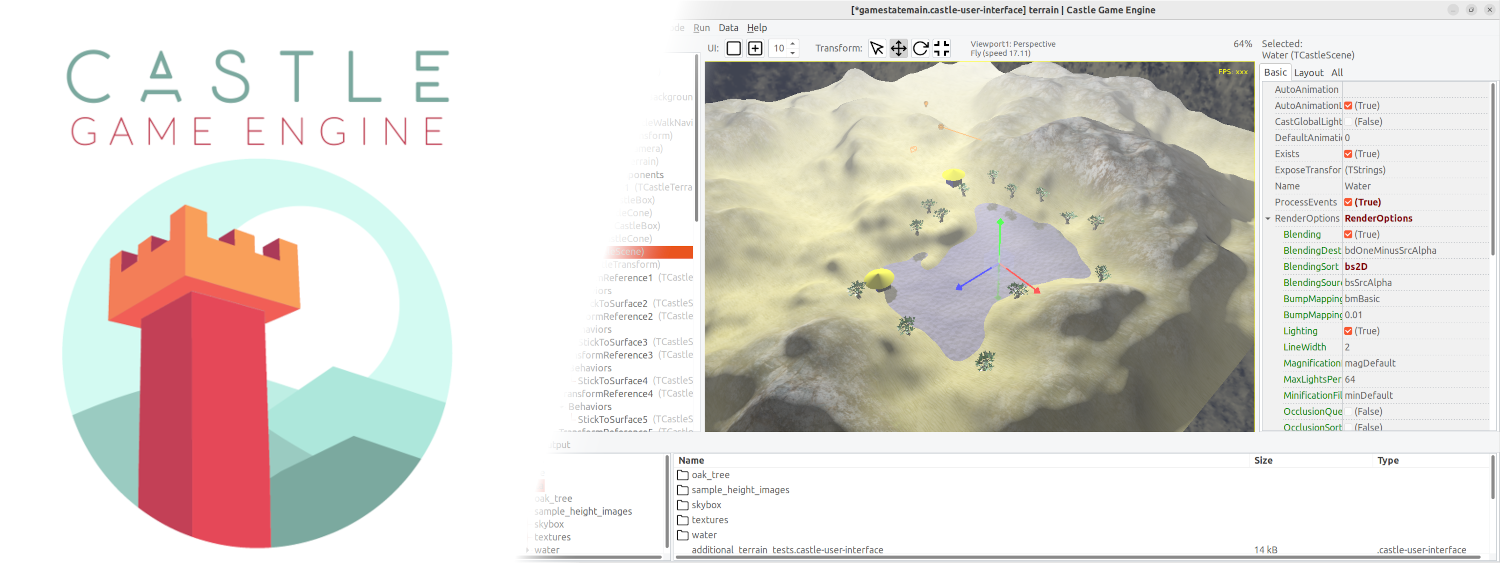
Castle Game Engine
Cross-platform (desktop, mobile, console) 3D and 2D game engine
Untold Engine
easy to use, Open-Source, 3D game engine for iOS/macOS game development.
