slap - App Details
Back to directory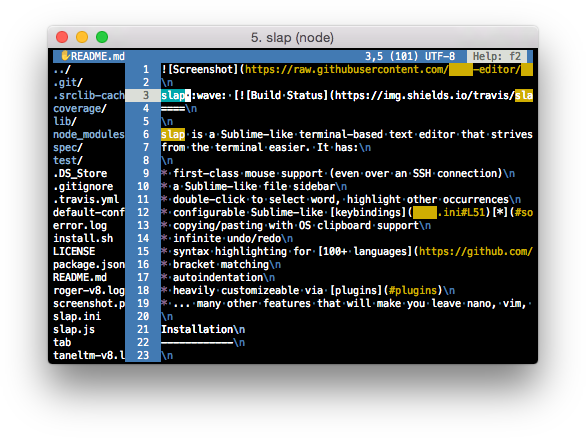
 LGPL
LGPL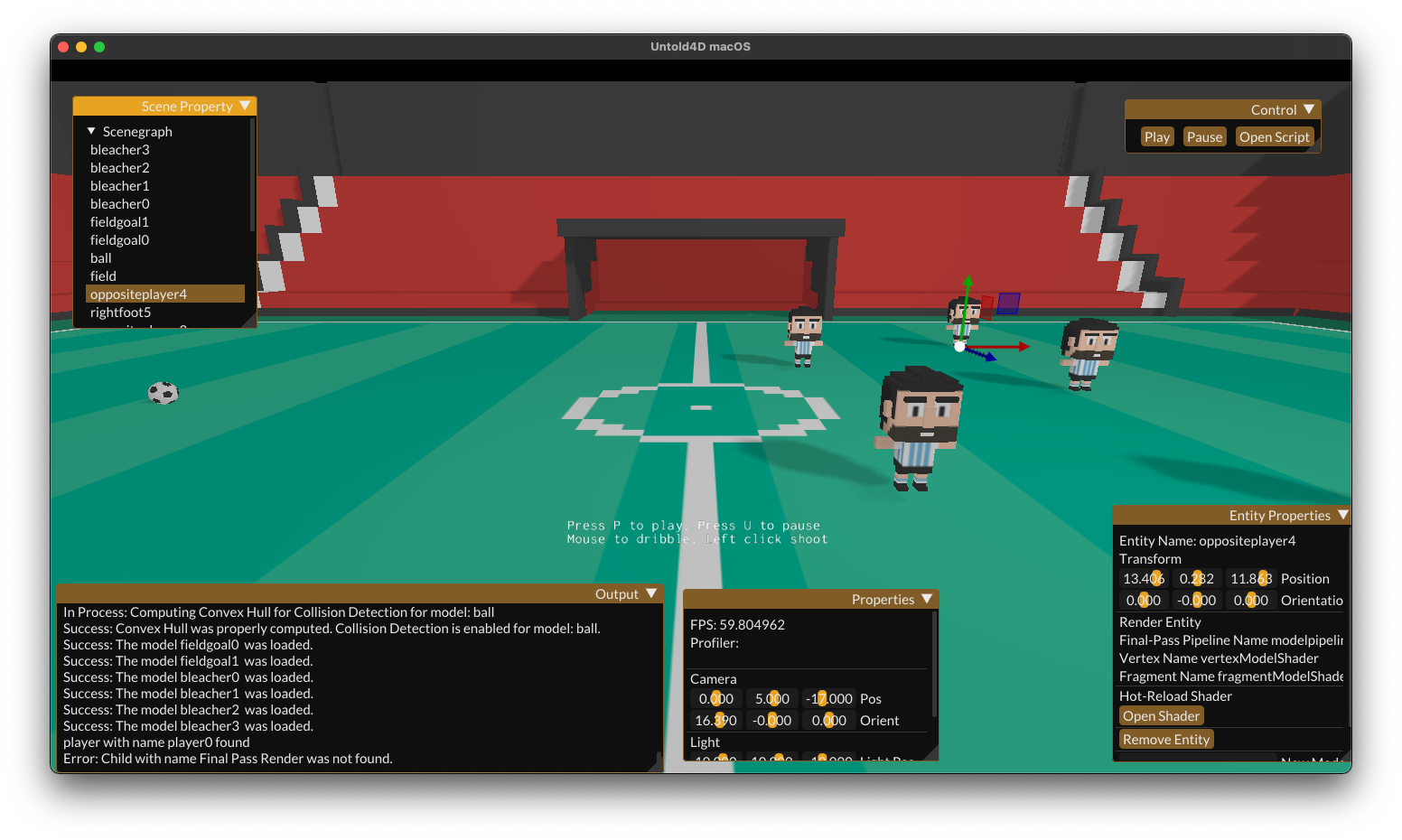 LGPL-2.1 license
slap
Sublime-like terminal-based text editor
Tags:#Cli app#Cli#Code editor#Code editors#Development#Devtools#Editors#Programming#Sublime alternative#Terminal#Text editor#Web development#terminal#cli#cli app#text editor#sublime alternative#code editor#code editors#editors#development#programming#web development#devtools
License
MIT license
Platforms
macOS
Other Platforms
WindowsLinux
slap is a Sublime-like terminal-based text editor that strives to make editing from the terminal easier. It has:
features
- first-class mouse support (even over an SSH connection)
- a Sublime-like file sidebar
- double-click to select word, highlight other occurrences
- configurable Sublime-like keybindings\* (Ctrl+S save, Ctrl+Z undo, etc.)
- copying/pasting with OS clipboard support
- infinite undo/redo
- syntax highlighting for 100+ languages
- bracket matching
- autoindentation
- heavily customizeable via plugins
... many other features that will make you leave nano, vim, and emacs behind
Default keybindings
- Quit: Ctrl+Q
- Movement: mouse or arrow keys and PageUp/Down/Home/End
- Shift or click+drag to select, Ctrl/Alt to move faster
- Save: Ctrl+S
- Undo: Ctrl+Z, redo: Ctrl+Y
- List open tabs: Ctrl+L
- Next/previous tab: Ctrl+Alt+PageUp/Down
- Close tab: Ctrl+W
- Find: Ctrl+F
- Go to line: Ctrl+G
- Go to matching bracket: Ctrl+]
- Open: Ctrl+O (or click the filebrowser)
- New file: Ctrl+N
Similar Apps
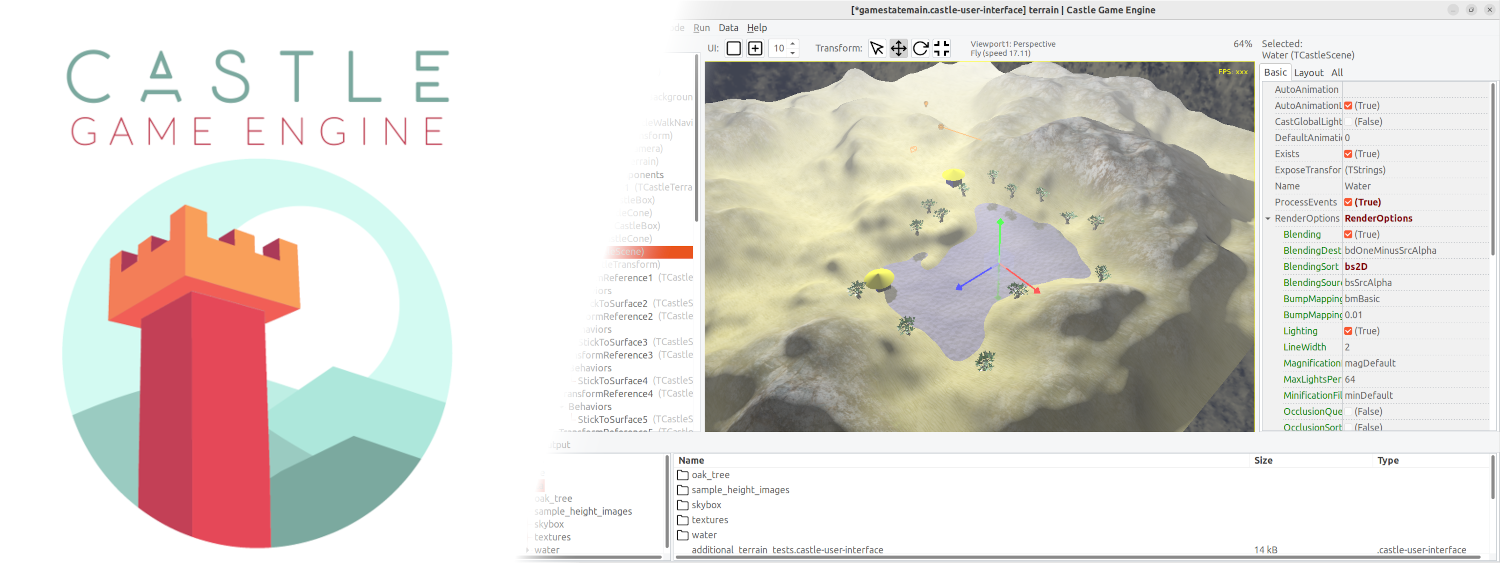
Castle Game Engine
Cross-platform (desktop, mobile, console) 3D and 2D game engine
Untold Engine
easy to use, Open-Source, 3D game engine for iOS/macOS game development.
