micro
a modern and intuitive terminal-based text editor
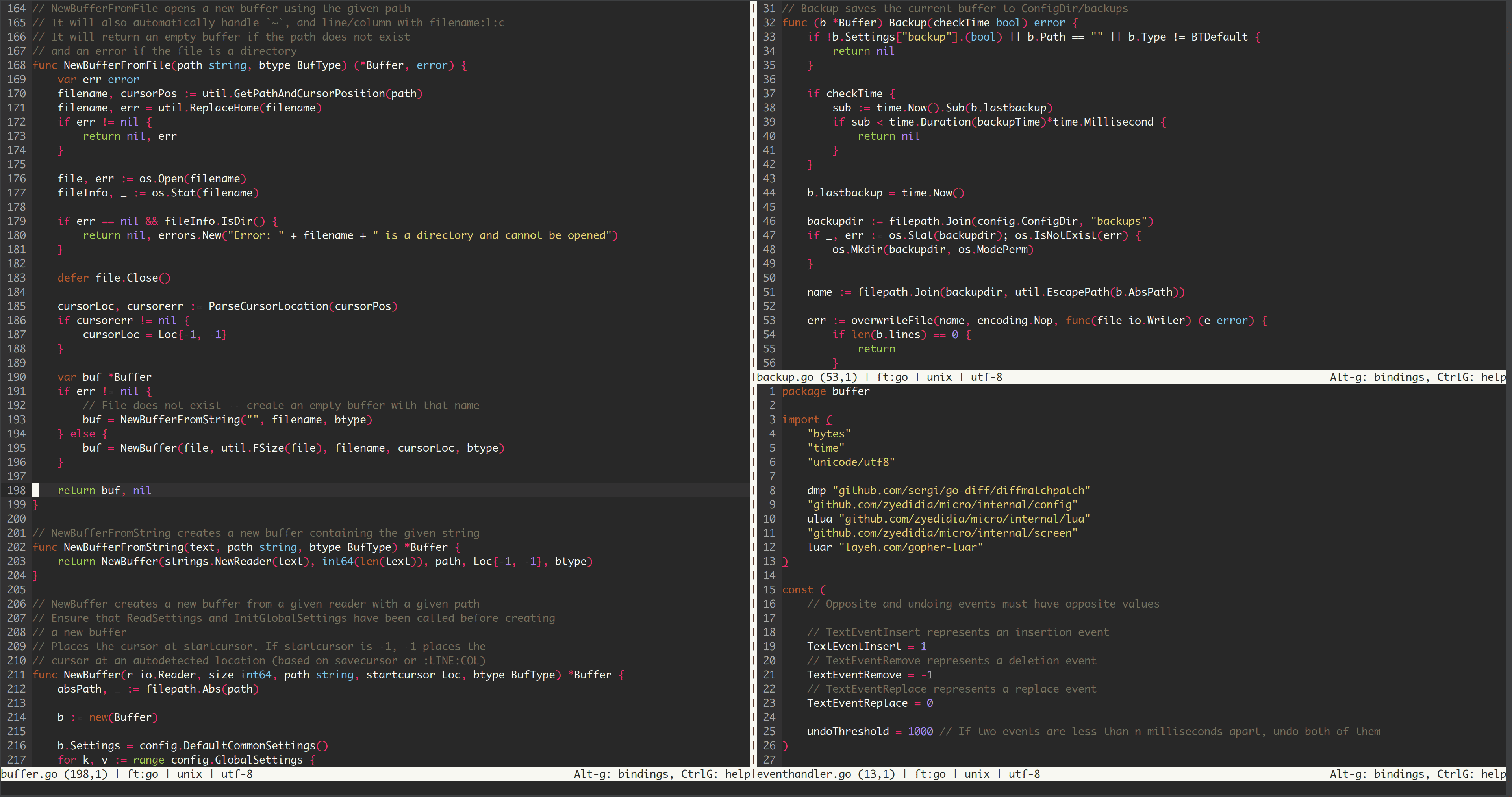
micro is a terminal-based text editor that aims to be easy to use and intuitive, while also taking advantage of the capabilities of modern terminals. It comes as a single, batteries-included, static binary with no dependencies; you can download and use it right now!
As its name indicates, micro aims to be somewhat of a successor to the nano editor by being easy to install and use. It strives to be enjoyable as a full-time editor for people who prefer to work in a terminal, or those who regularly edit files over SSH.
Features
- Simple and easy to use
- Plugin system
- Highly customizable
- Common keybindings (customizable)
- Colors and syntax highlighting
- Multiple themes
- Terminal emulator
- Multiple cursors
- Sane defaults.
- You shouldn't have to configure much out of the box (and it is extremely easy to configure).
- Splits and tabs.
- nano-like menu to help you remember the keybindings.
- Extremely good mouse support.
- This means mouse dragging to create a selection, double click to select by word, and triple click to select by line.
- Cross-platform (it should work on all the platforms Go runs on).
- Note that while Windows is supported Mingw/Cygwin is not (see below).
- Plugin system (plugins are written in Lua).
- micro has a built-in plugin manager to automatically install, remove, and update plugins.
- Built-in diff gutter.
- Simple autocompletion.
- Persistent undo.
- Automatic linting and error notifications.
- Syntax highlighting for over 130 languages.
- Color scheme support.
- By default, micro comes with 16, 256, and true color themes.
- True color support (set the MICRO_TRUECOLOR environment variable to 1 to enable it).
- Copy and paste with the system clipboard.
- Small and simple.
- Easily configurable.
- Macros.
- Common editor features such as undo/redo, line numbers, Unicode support, soft wrapping,
Install on macOS
You can get it on macOS using Homebrew
bash
brew install micro
Similar Apps
Castle Game Engine
Cross-platform (desktop, mobile, console) 3D and 2D game engine
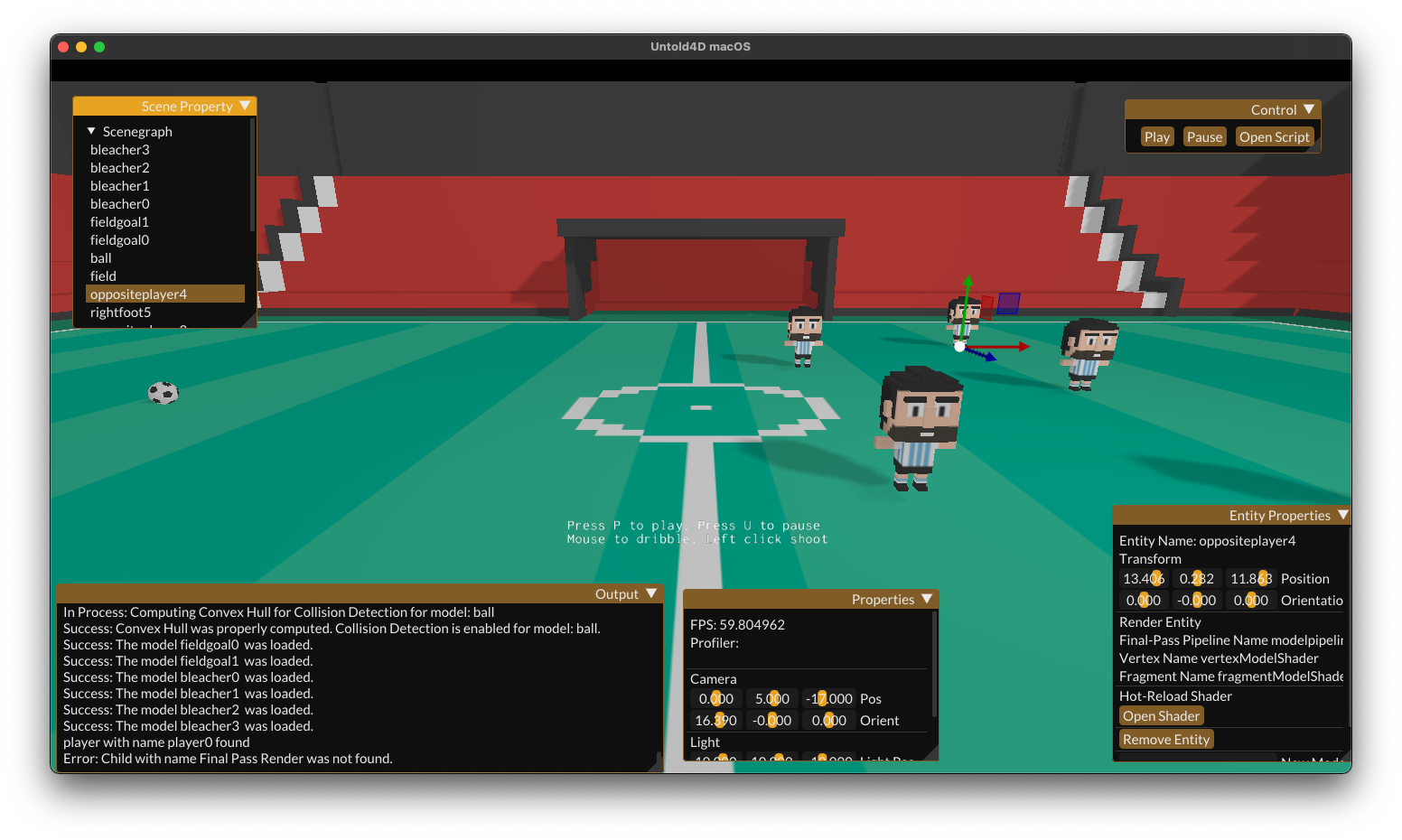
Untold Engine
easy to use, Open-Source, 3D game engine for iOS/macOS game development.