LyricsX - App Details
Back to directory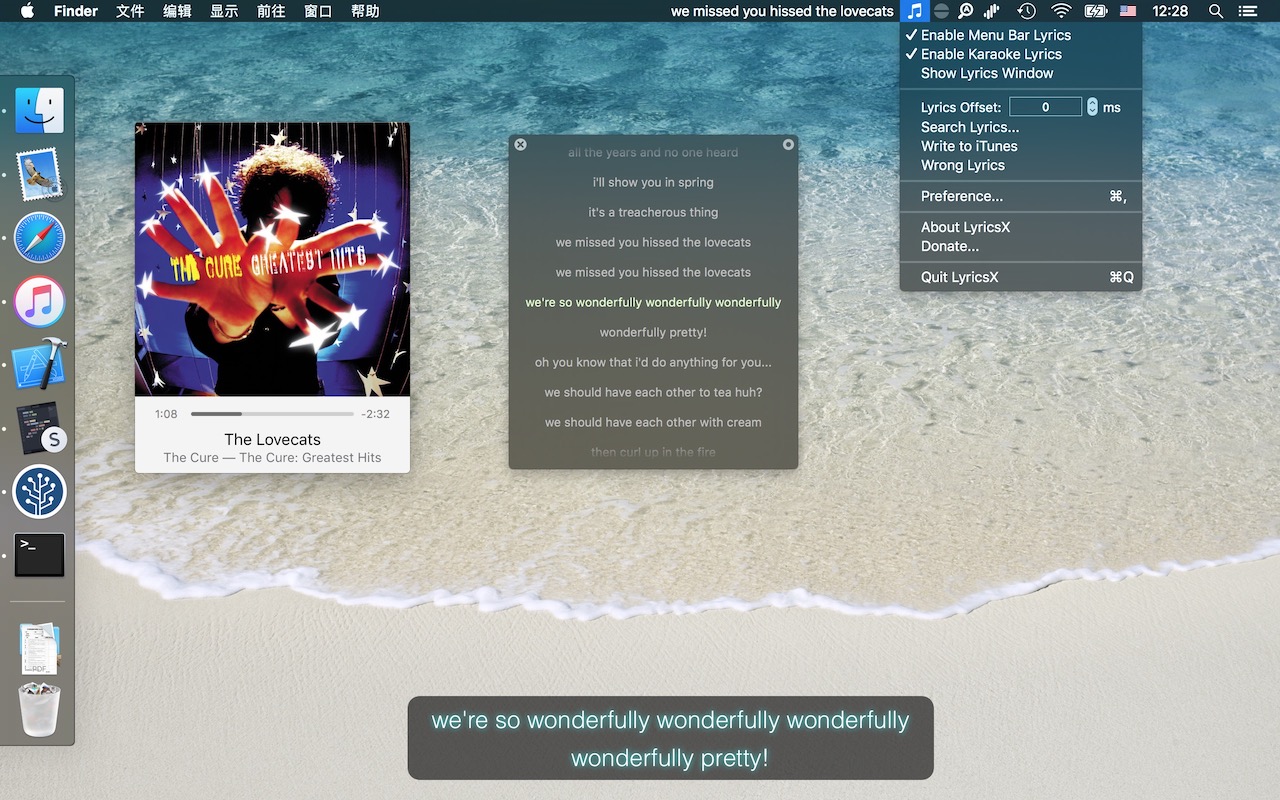
 AGPL-3.0 license
LyricsX
Ultimate lyrics app for macOS
License
MPL-2.0 license
Platforms
macOS
Other Platforms
None
Ultimate lyrics app for macOS.
LyricsX for iOS and lyricsx-cli for Linux is in early development.
Features
- Work perfectly with your favorite music players. List of supported players
- Automatically search & download live lyrics from various lyrics sources. List of supported sources
- Display lyrics on desktop and menubar. you can customize font, color and position.
- Adjust lyrics offset on status menu.
- Navigate the song with lyrics - Double click a line to jump to specific position.
- Drag & Drop to import/export lyrics file.
- Auto launch & quit with music player.
- Automatic conversion between Traditional Chinese and Simplified Chinese.
Lyrics Editor
LyricsX use custom lyrics file format "LRCX" which support word time tag, multi-language translation and more. Currently there's no official LRCX editor. You can use Lrcx_Creator for now (see #544, thanks to @Doublefire-Chen). Or use normal LRC editor, as LRCX is compatible with LRC.
Install
Homebrew
bash
brew install --cask lyricsx
- https://itunes.apple.com/us/app/lyricsx/id1254743014?mt=12
Similar Apps
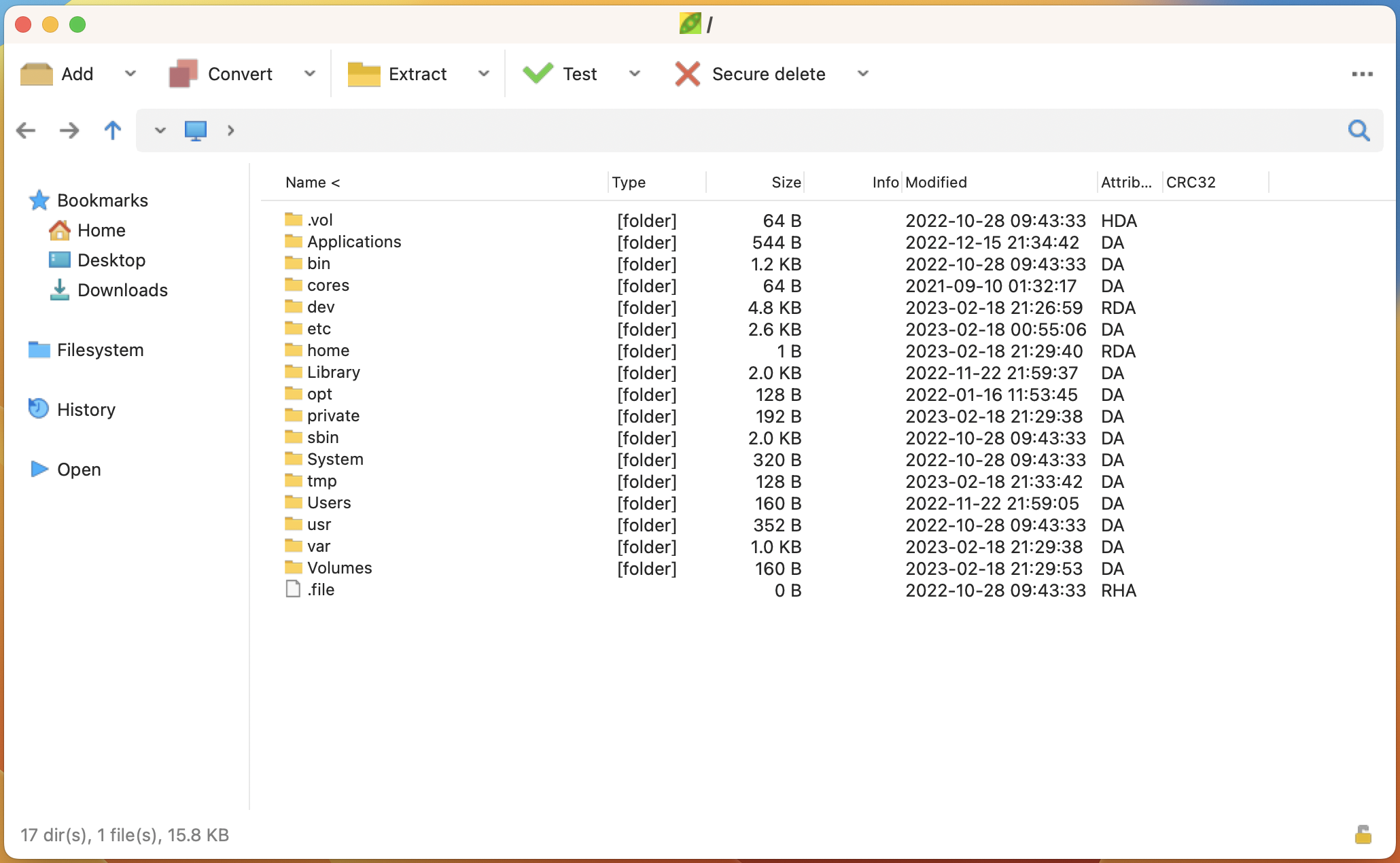
AllToMP3
Download and Convert YouTube, SoundCloud & Spotify in MP3 with full tags (title, artist, genre, cover, lyrics 🔥)